More than basic iCal
iCal imports dates. Emails from supported platforms add the guest's name, guest count and other available details for each booking.
How reservation import worksImport a reservation once. Check-in, guest records, foreign guest reporting, municipal fees, invoicing and guest communication all follow from it.
Full access for 3 months, with no credit card and no guest limit.
A standalone check-in solves the form. Superhostem connects the reservation with everything before, during and after the stay.
iCal imports dates. Emails from supported platforms add the guest's name, guest count and other available details for each booking.
How reservation import worksCheck-in, the guest book, UbyPort, fees, invoices and reports all work with the same stay.
Send cleaners or managers a link and choose whether they can see the name, guest count, property or price.
Shared calendar for your teamTemplates insert the right details and are sent after registration, around arrival or around departure.
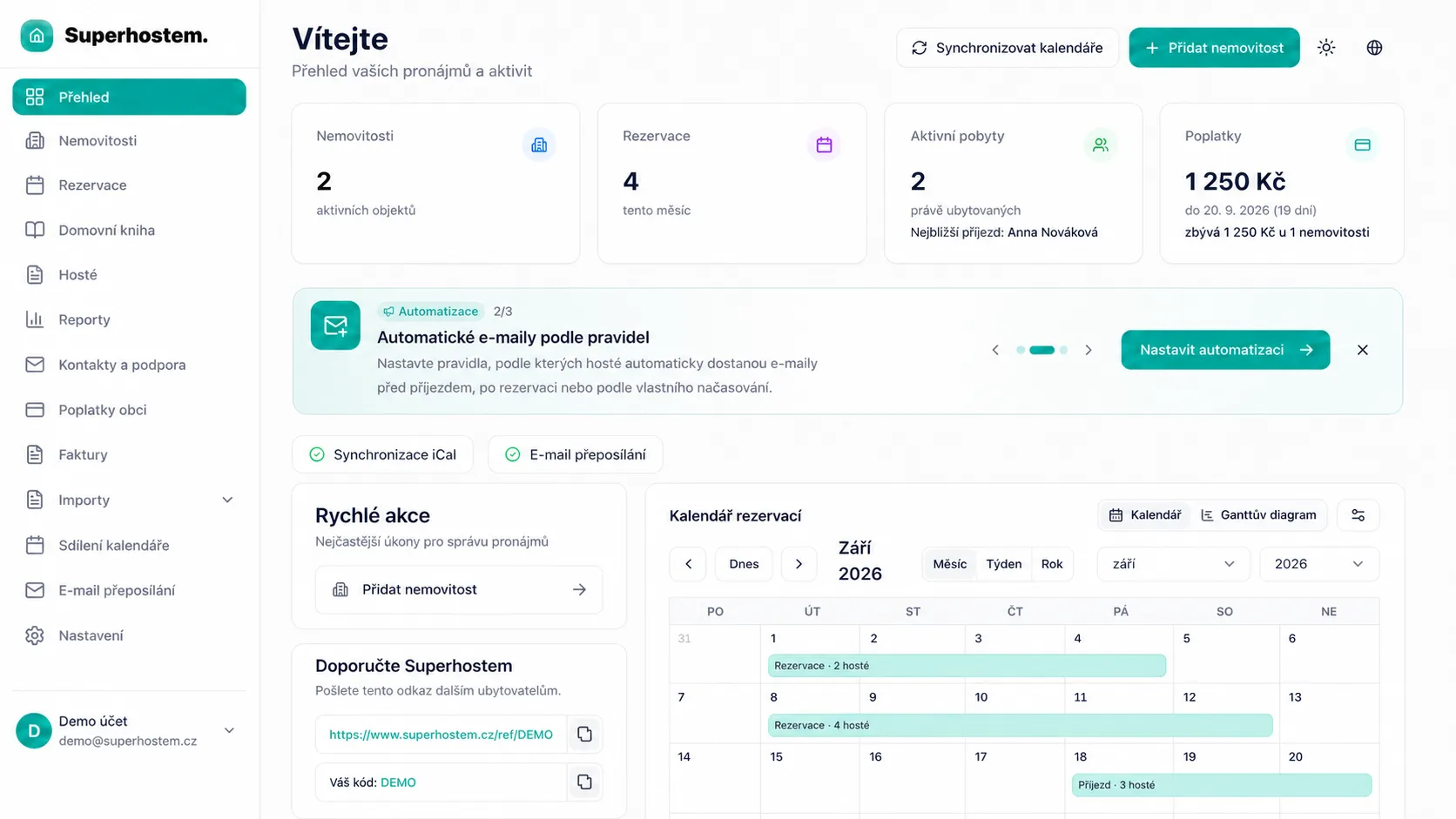
Automated guest messagesConnect a calendar link and new dates load without creating stays manually.
A forwarded reservation email from a supported platform adds the guest's name, guest count and available details for that stay, not just a generic calendar event.
See the full processCreate direct, phone or private stays yourself and manage them like imported reservations.
Add the iCal feed to Google Calendar, Apple Calendar, Outlook or another calendar app. Events can include the guest name, count, price and property.
Create a link for one or all properties. Choose whether recipients see names, guest counts, prices or property names; revoke it any time.
See the full processGuests open a link in their browser. No account or app installation.
See the full processThe lead guest does not have to enter everyone’s details. See who in the group has finished.
The form guides guests through the required details. They can photograph only the document-number area, with clear instructions not to capture a face or other data.
Correct a specific guest’s mistake or send them a link to review it again.
Arrival, Wi-Fi, parking, house rules and local tips in one link or QR code.
See the full processKeep general guidance public and reveal sensitive instructions only after check-in is complete.
Place a registration poster in your accommodation. Collect guest details electronically on arrival, without paper forms.
See the full processGuests, stays and history remain searchable by property. Download a prepared PDF for inspection.
See the full processSend foreign guest reports individually or in bulk using the property’s access. Receipts and errors remain with the report.
See the full processThe system uses nights, age, purpose of stay and exceptions configured for the property.
See the full processPrepare the amount, QR payment and PDF documents for a period. A municipal message can be prefilled and sent through the Czech Data Box.
No need to retype customer details, price or stay. Edit the invoice and download it as PDF.
Compare revenue, reservations, average stay length, occupancy and property performance for a selected period.
A live schedule based on reservations, property checklists, photos, and issue reports for the owner.
See the full processWrite it once. Superhostem watches the data and the right sending time.
Use the default template, adapt it for a property, or write your own from scratch.
Dynamic fields insert the guest, property, arrival, departure, guest count and registration link.
Send after registration, around check-in or check-out, with your own hour-based lead or delay.
Edit subject and content per language. Superhostem uses the reservation language or your selected fallback.
Send to the guest or a fixed address, with CC and BCC. History shows planned time and result.
Review the final message and affected reservations before turning the rule on.
See how a template is created, when it sends and which details it inserts.
See the full processA gallery, description, language versions and public link for guests and prospects.
See the full processGuests see free dates and book on your site without being redirected to a booking platform.
Try the features on real stays. Decide after 3 months.
Try for free