The fastest route to dates
iCal brings in dates and basic reservation status.
Reservation import
Start quickly with a calendar link. A forwarded reservation email adds details that regular iCal does not contain.
For platform bookings and direct stays · manual entry remains available
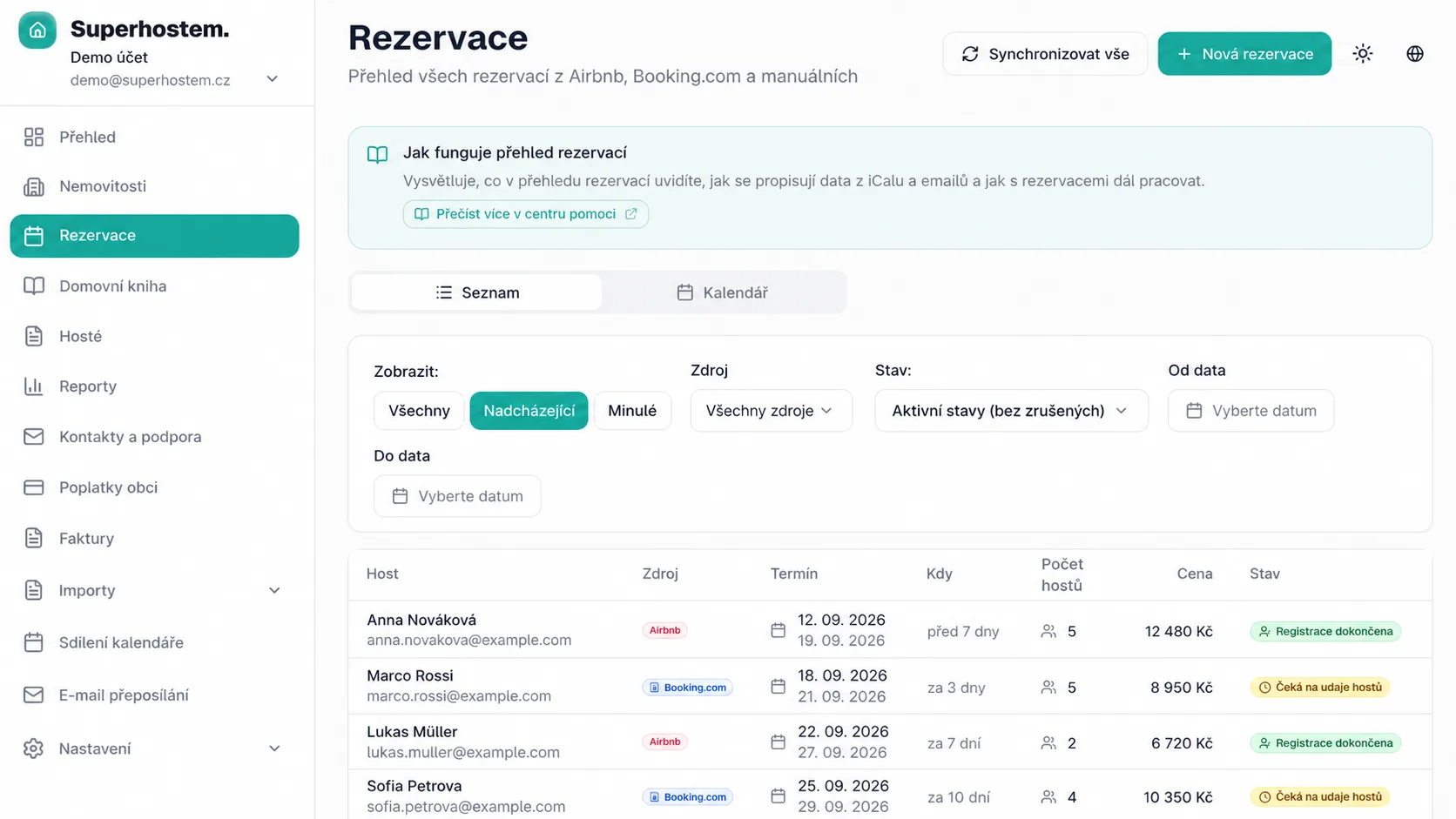
Both methods reach one overview. They differ in how much Superhostem imports.
iCal brings in dates and basic reservation status.
A forwarded reservation email from a supported platform adds the guest's name, guest count and available details for that stay, not just a generic calendar event.
Create direct or phone bookings yourself.
Superhostem connects to your existing calendars and reservation emails.
A guest changes their dates? The booking updates automatically. No need to edit it by hand or create it again.
A guest cancels? The booking is automatically marked as cancelled, so it no longer appears as an active stay in your overview.
After manual entry, they continue into check-in and records.
What to expect before the first connection.
No. Copy the calendar link from the booking platform and add it to the property.
Not necessarily. You can use both, depending on where reservations come from and how much data you want to import.
Create it manually, then manage it in the same way as an imported stay.
Full version for 3 months without a credit card.
Try for free