Your website starts with your existing details
The page is generated automatically from the details you already have for your property. Most information does not need to be entered again. Just review the content and adjust what you need.
Your website with direct booking
Guests view your property, choose available dates and book directly with you. They can pay online too, with booking payments going straight to you.
Date selection · direct booking · online payment
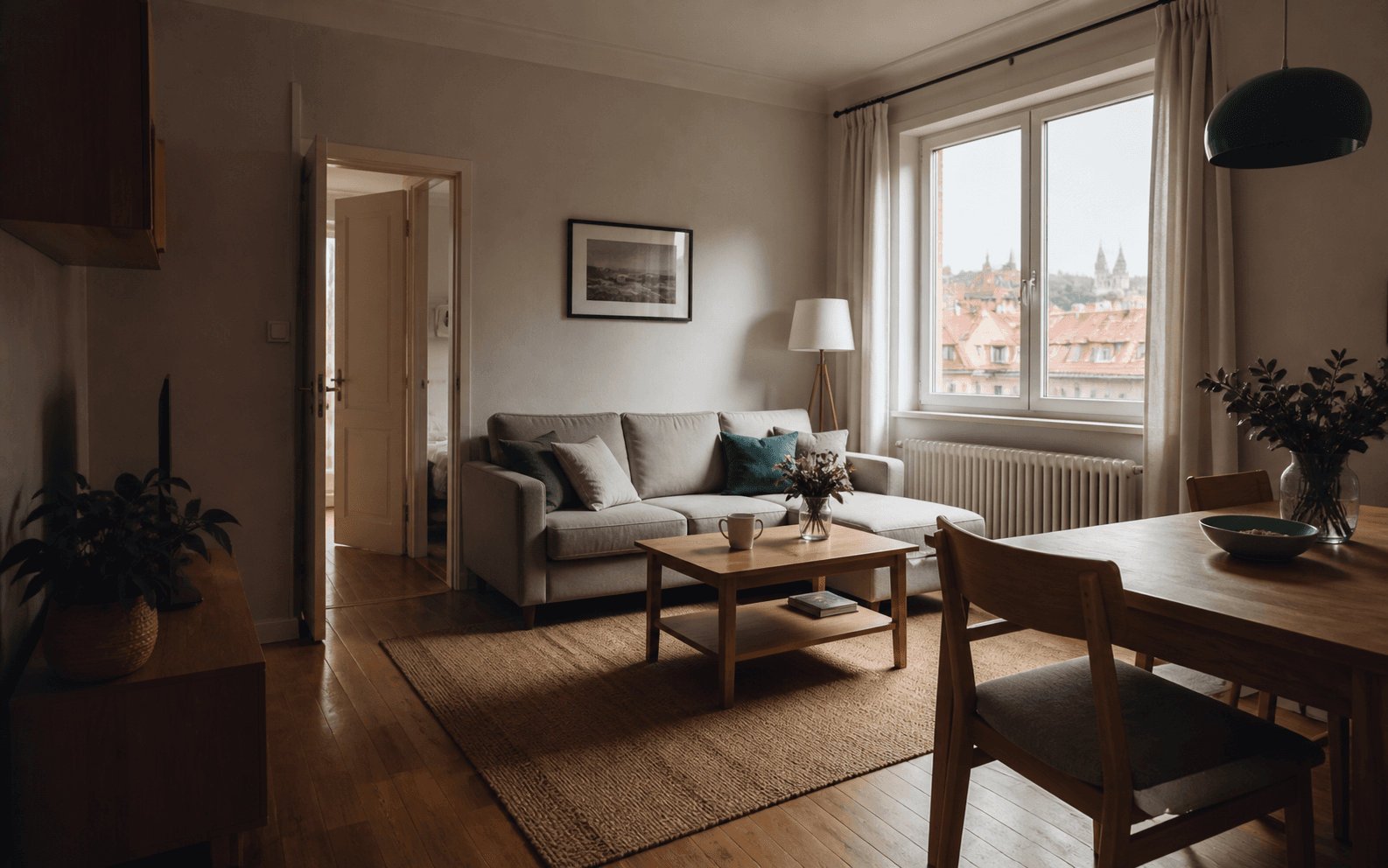
Guests view the offer, availability and booking on one page.
The page is generated automatically from the details you already have for your property. Most information does not need to be entered again. Just review the content and adjust what you need.
The calendar uses reservations and connected property sources.
No redirect to Airbnb or Booking and no platform commission.
An integrated payment gateway supports cards, Apple Pay and Google Pay. Guests can pay conveniently online, with booking payments going straight to you.
Manage photos, copy, availability and bookings with the same property.
Choose a main photo, gallery, heading and key information.
Guests quickly see which dates are free.
Guests choose dates and book with you.
Prepare language versions, colors and light or dark mode.
Short answers before publishing the page.
No. After publishing, you receive a public Superhostem address. A custom domain is not currently promised as part of this feature.
No. They choose a date and submit the reservation directly on your accommodation page.
From the reservations and calendars connected to that property in Superhostem.
Yes. The editor supports language versions, and visitors can switch language directly on the page.
Once online payments are enabled, guests can pay by card, or use Apple Pay or Google Pay where available on their device and enabled in the payment gateway. Payments go to your connected payment account. Applicable payment fees apply, and payouts to your bank follow the payment gateway's terms.
Set up the page from your property. The first 3 months are free.
Try for free