Standalone form
The data arrives. The rest is still on you
- The guest submits the form
- You copy the details into your records
- You handle UbyPort and the local fee separately
Online check-in for accommodation providers
Guests open online check-in by scanning a QR code or following a link you send in a chat or message. They fill in their details on their phone; you then use the same record for the guest register, UbyPort and local accommodation fees.
No guest account or app · 11 languages · status for every guest
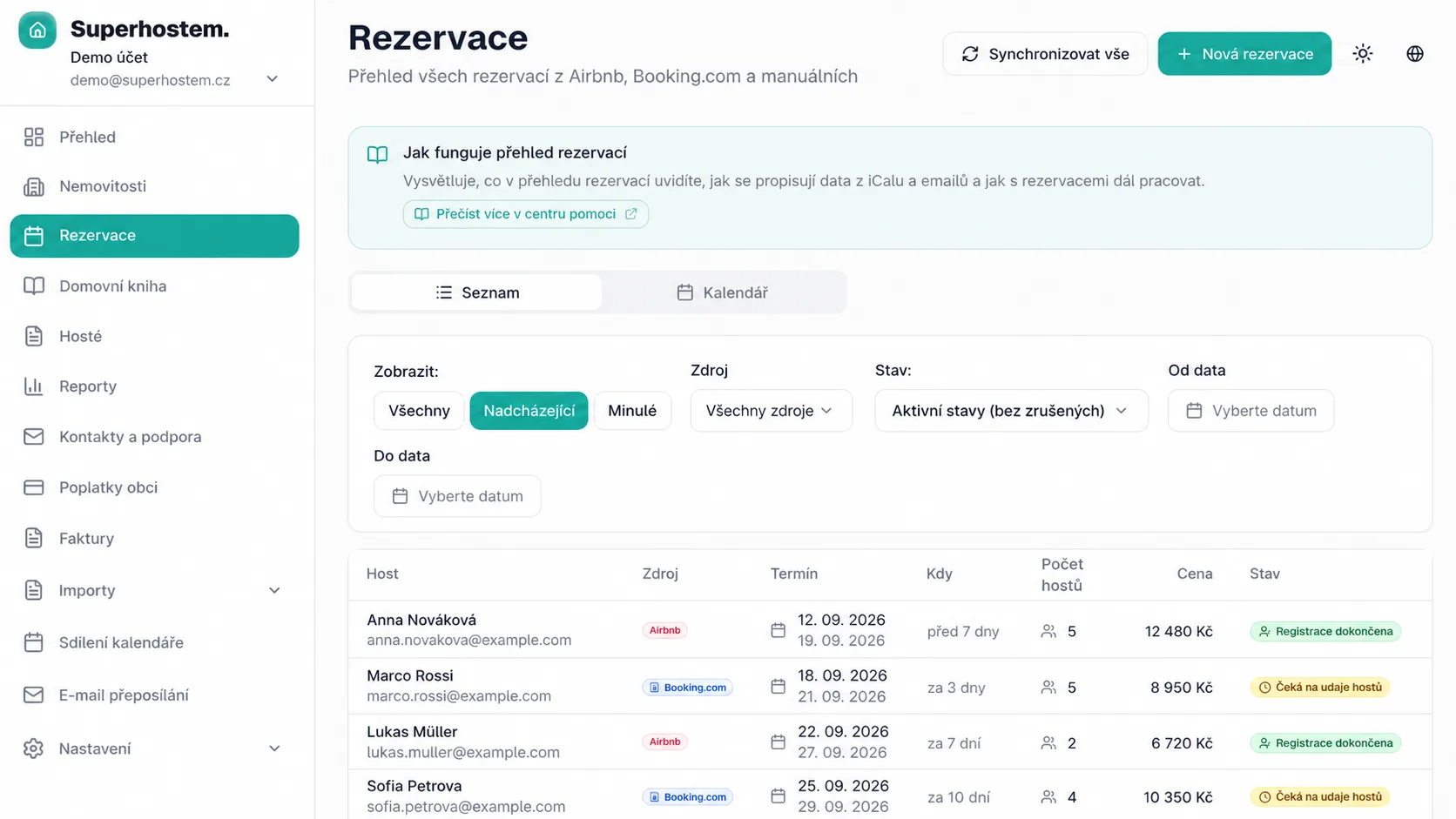
A standalone form only collects data. Superhostem keeps it with the stay and connects it to records and operations.
Standalone form
With Superhostem
Each guest gets a personal link, while you see the entire reservation in one place.
Send each person their own link and immediately see who has submitted.
Required fields and basic formats are checked before submission.
Guests are explicitly told to capture only the document number, not their face or other details.
Fix the value yourself or ask that guest to review it again.
Two ways to the same check-in
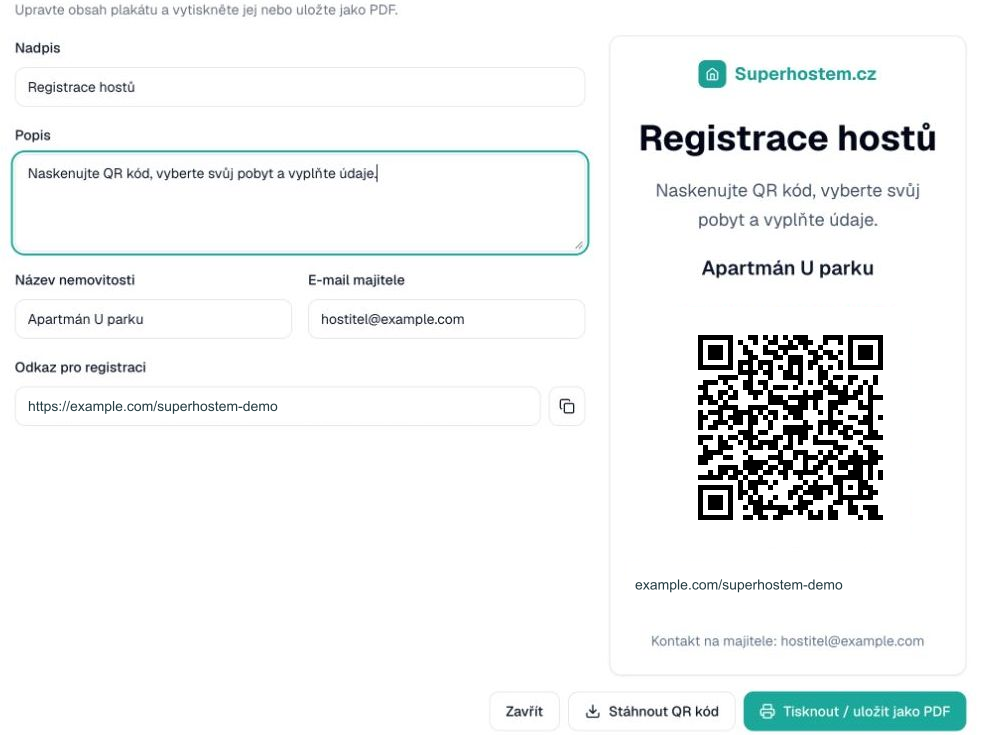
Guests fill in the same online form. Choose how they reach it: from a message before arrival, or via a QR poster on site.
Send guests a link to the check-in form in a chat or message. They open it on their phone and can fill in their details before arrival.
Print the poster and display it at your property. Guests scan the QR code, select their stay and complete registration on their phone.
Short answers before sending your first check-in.
No. They open the form in a regular browser by scanning a QR code or following a link you send in a chat or message.
No. You can use the same process for local and international guests. The required data depends on the purpose of the record.
You can correct the detail or send the guest a link to review it again.
Full version for 3 months. No credit card. Decide afterwards.
Try for free